Mic doesn't work when the SmoredBoard is closed
This guide explains why your microphone stops working when SmoredBoard is closed.
The Problem
The microphone stops functioning when the SmoredBoard application is closed.
Root Cause
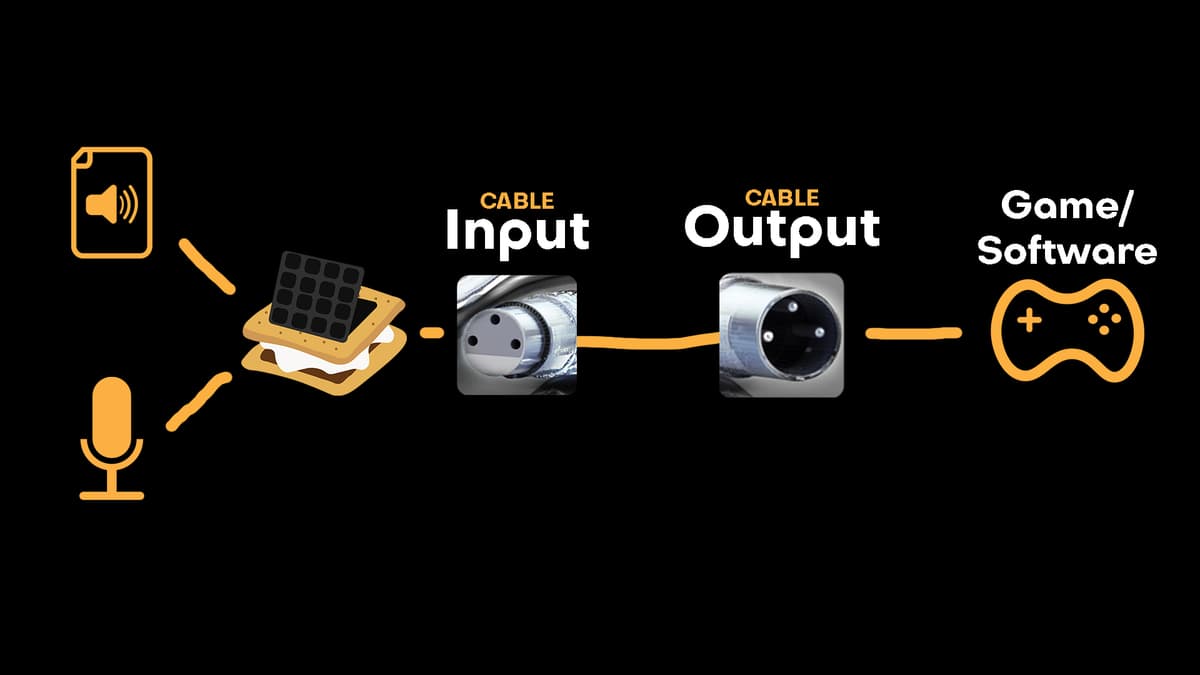
The SmoredBoard must remain open and actively running to process audio from your microphone and transmit it through the CABLE Devices. Once the application closes, this processing pipeline shuts down, disabling the virtual microphone functionality.
Solutions
Option 1: Keep the Application Running
Maintain SmoredBoard in the background during use to ensure continuous microphone functionality.
Option 2: Change Your Audio Input
Switch your Windows audio input settings to use a different device instead of "CABLE Output" when you're not actively using SmoredBoard.
Still having issues? Contact Support