How to export a profile
Learn how to export a SmoredBoard profile in just a few clicks.
Export a Profile
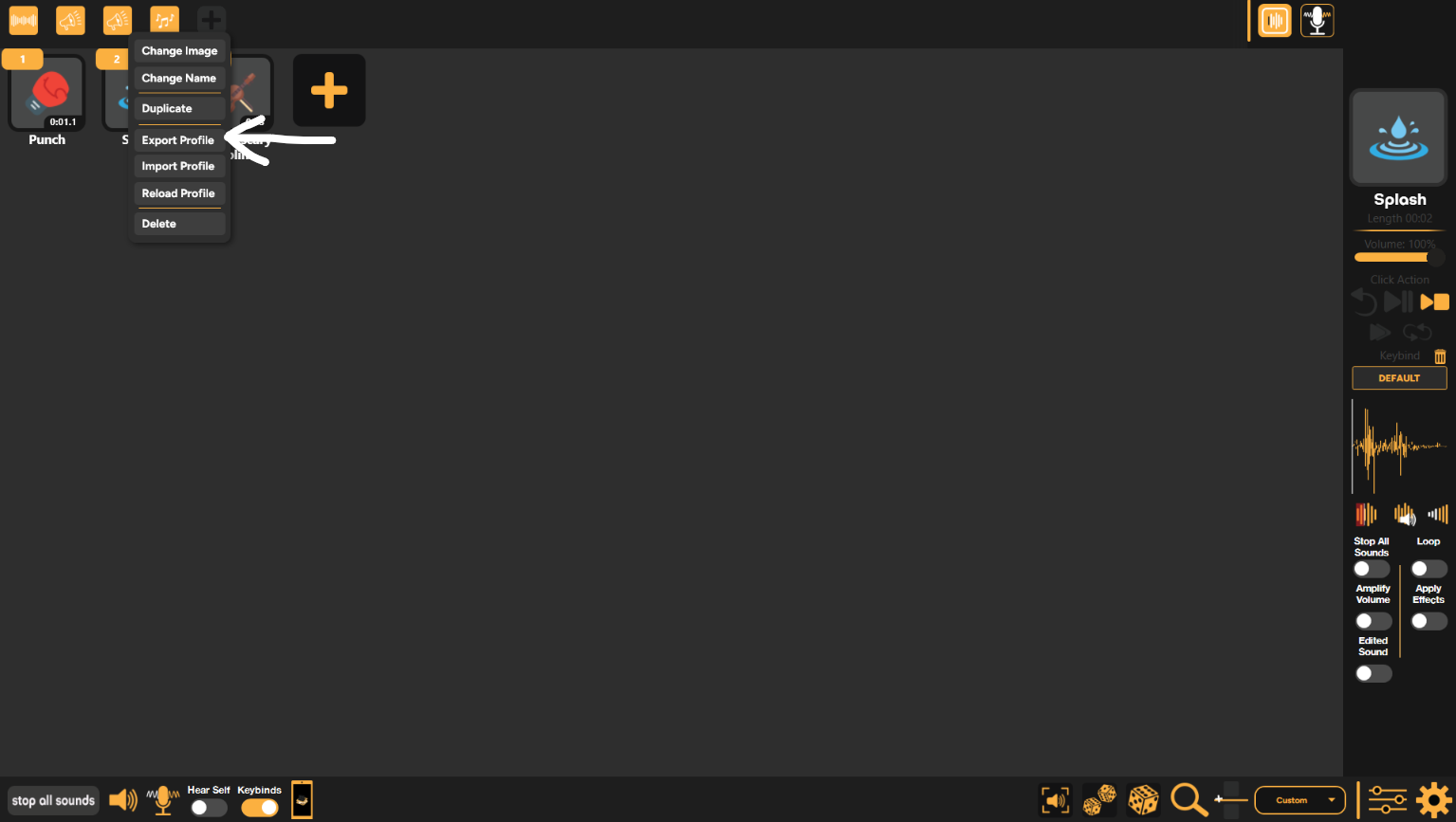
Exporting a profile is quick and easy. First, right-click whichever profile's button you want to export. Then, in the drop-down menu that appears, click "Export Profile".
Still having issues? Contact Support