How to Enable/Disable WebSocket in the SmoredBoard
Learn how to enable or disable the WebSocket integration and view the SmoredBoard API.
Enable/Disable WebSocket
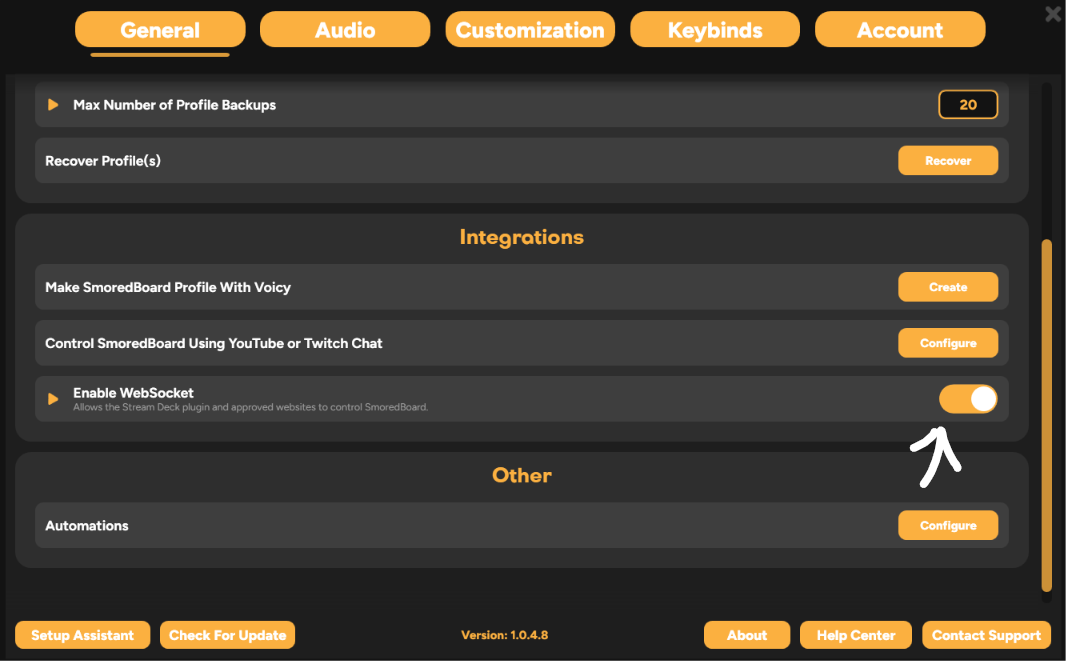
To Enable/Disable Websocket go to settings, general, then scroll down to "Integrations" where there is a "Enable WebSocket" toggle.
To send commands over WebSockets you can view the SmoredBoard API at https://www.smoredboard.com/docs/websocket-api
Still having issues? Contact Support