How to change a sound's name
Learn the two quick ways to rename a sound in SmoredBoard using the right-click menu or the sidebar name field.
Change a Sound Name
There are two different ways to change a sound's name.
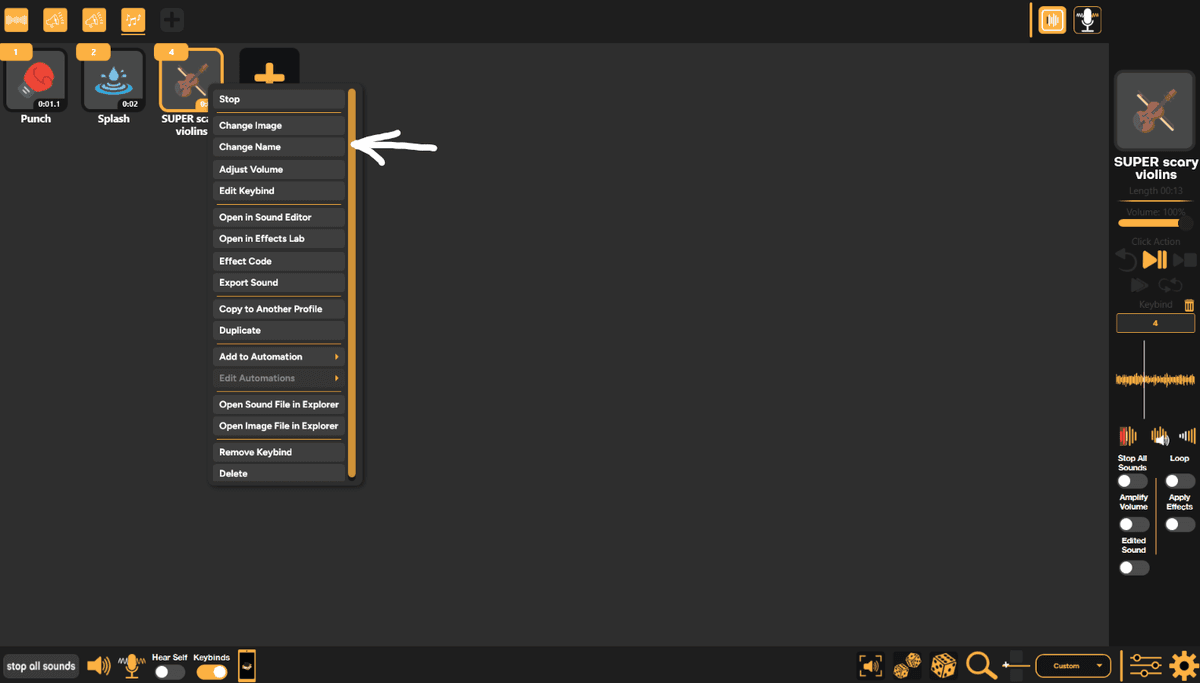
1. The first is to right-click on the sound and then on the drop-down menu click the "Change Name".
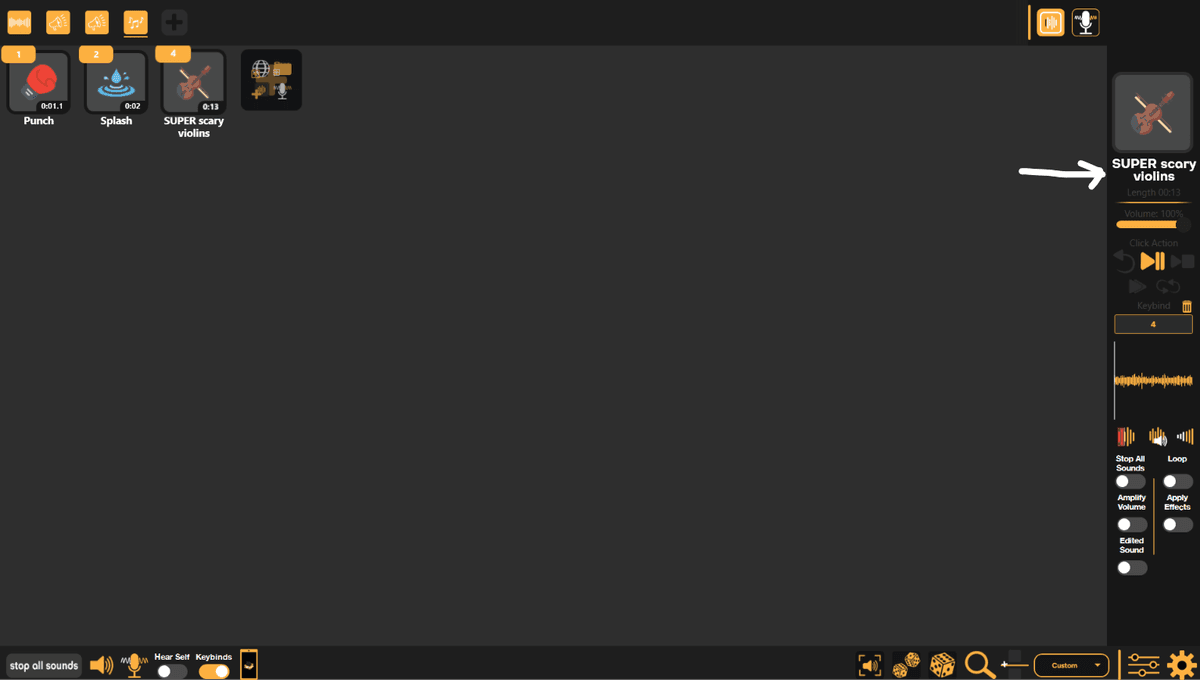
2. The second way is to select a sound, then click the sound's name on the sidebar.
Still having issues? Contact Support