Can no longer hear any audio after installing
This guide addresses the issue of losing audio after installing SmoredBoard.
The Issue
When installing the SmoredBoard, it installs the CABLE Devices, and when any new device is added in Windows, it will automatically switch to those devices. This causes users to lose audio from their original speakers or headphones.
Solution
The fix involves redirecting audio output back to your preferred device through Windows settings:
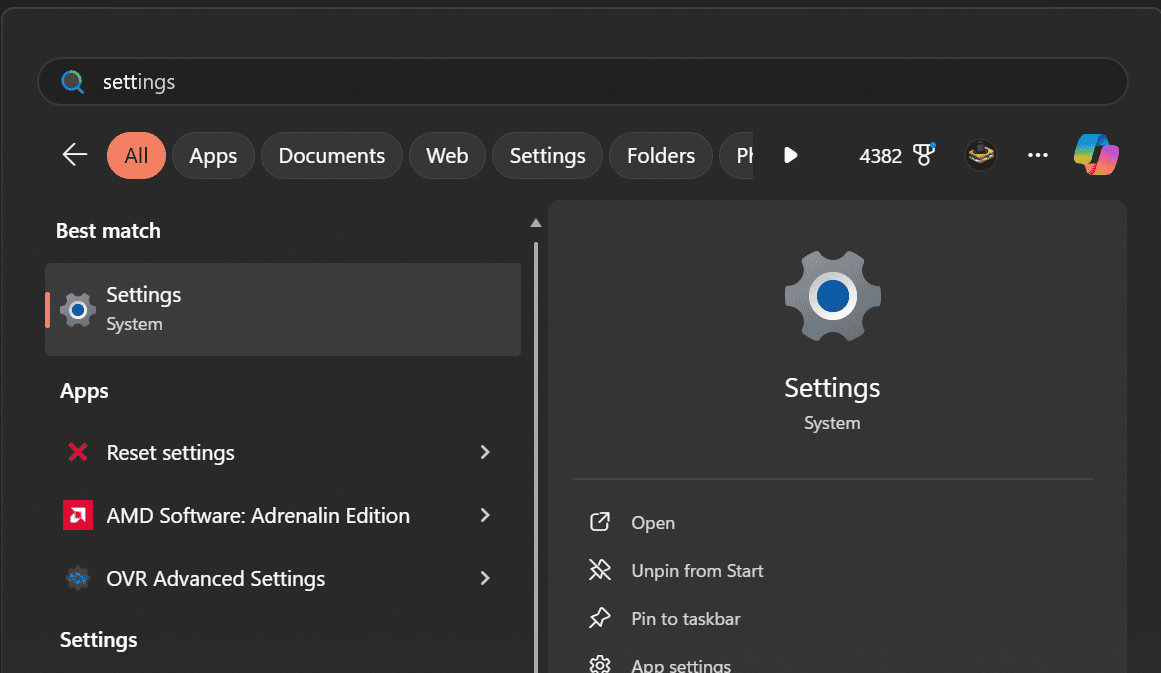
1. Open Windows Settings
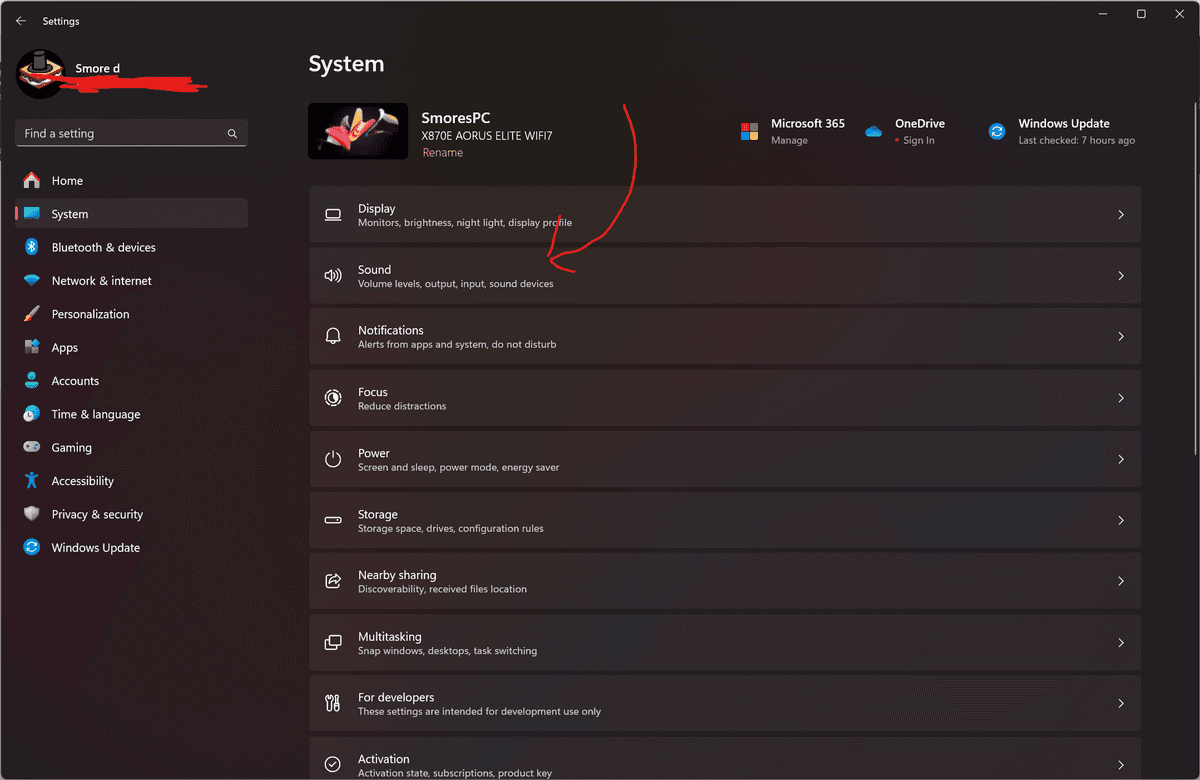
2. Navigate to System → Sound
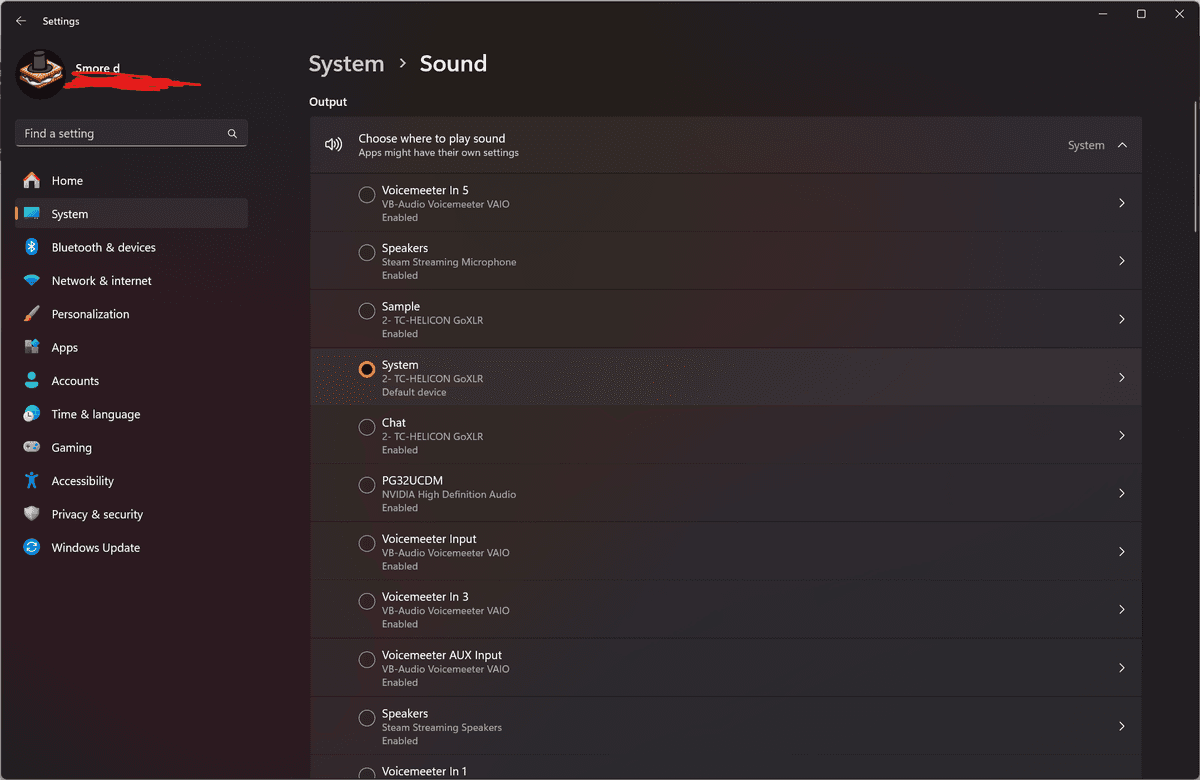
3. Change the output device from CABLE to your headphones or speakers
Still having issues? Contact Support